Editor
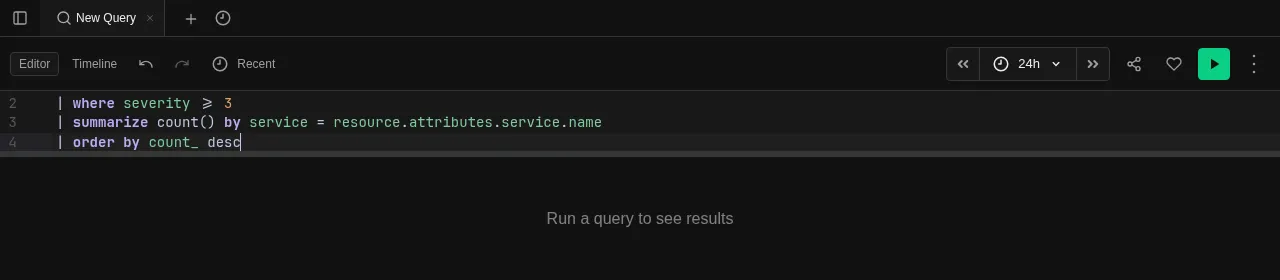
KQL editor with in-browser language server for autocomplete and diagnostics
The KQL editor is where you write queries. It supports syntax highlighting, multi-line editing, and keyboard shortcuts for running queries.
Language Server
The editor includes an in-browser language server (LSP) that provides:
- Autocomplete — table names, column names, functions, operators, and keywords are suggested as you type
- Signature help — function signatures appear when you type the opening parenthesis
- Diagnostics — syntax errors are underlined in real time, before you run the query
The language server runs entirely in the browser using WebAssembly — no round trips to the server for completions.
Writing Queries
Queries use KQL (Kusto Query Language) — a pipe-based language designed for exploring large datasets. A query starts with a table name and pipes data through operators:
default
| where severity >= 3
| summarize count() by service = resource.attributes["service.name"]
| order by count_ desc
This query reads from the default table, filters to severity 3+, counts events per service, and sorts by count. See the Query Reference for the full language documentation.
Try It
Open an Explore tab and paste this query to see it in action:
default
| take 20
This returns the first 20 rows from the default table — a quick way to see what data is available and what columns exist. From there, add a | where clause to filter or | summarize to aggregate.
Visibility
Toggle the editor's visibility from the toolbar to give more space to results when you don't need it. The query is preserved when the editor is hidden.